Imagine this. Your employees arrive at work on time, ready to start their day. They open the attendance app to mark their check-in, but nothing happens. The internet is down.
Now imagine the same situation happening at a factory gate, inside a basement office, or at a construction site where the network barely works. Employees are present, but their attendance isn't recorded properly. By the end of the day, HR has to deal with missed entries, employee complaints, and unnecessary corrections.
Sounds familiar?
This is exactly why offline attendance check-in matters. An attendance system should fit the way people work, even when the internet doesn't cooperate.
Why Does Internet Connectivity Affect Attendance?
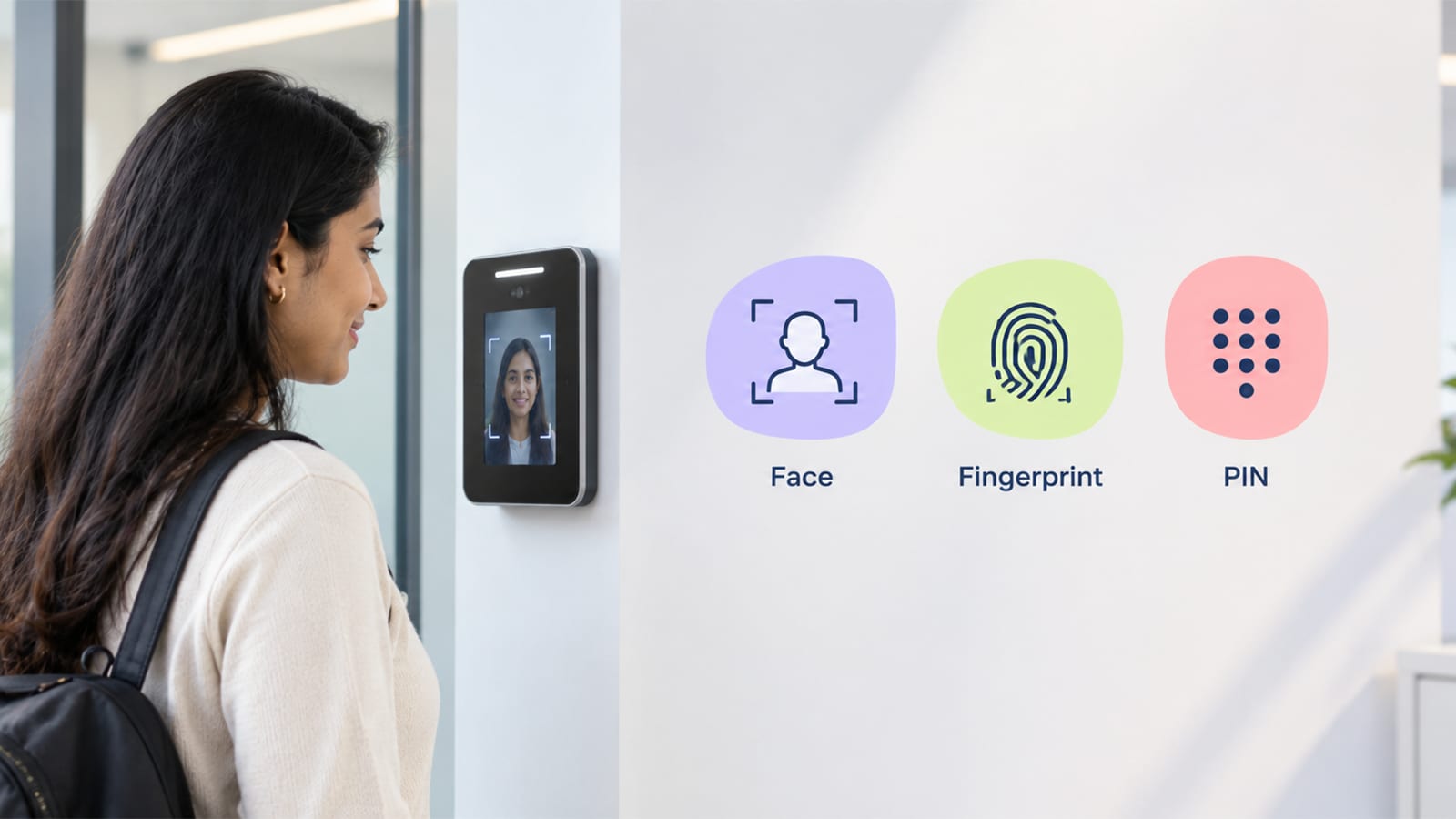
Most businesses depend on digital tools to manage employee attendance. Employees may use a mobile app, a biometric device, or another attendance system to record when they arrive and leave.
But many digital systems need an active internet connection to send attendance information to a central server. When the connection is weak or unavailable, check-ins may fail or take longer than expected.
This can become a real problem in workplaces where connectivity isn't reliable.
For example:
Factory gates: A large industrial site may have weak mobile signals around entry points.
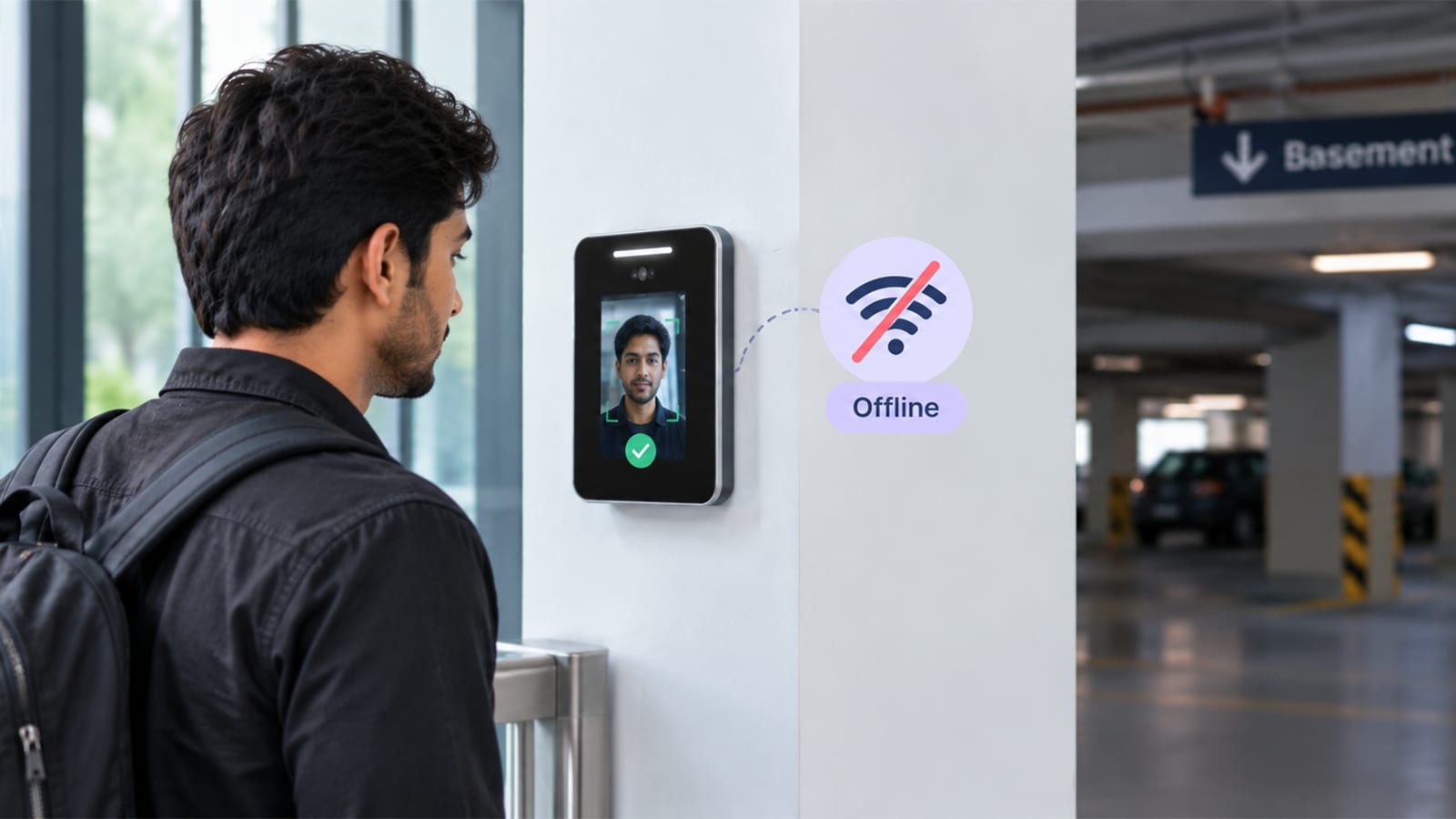
Basements and underground parking areas: Mobile internet can become unreliable below ground.
Construction sites: Temporary work locations may not have stable network coverage.
Warehouses: Thick walls and large storage areas can interfere with connectivity.
Remote work locations: Employees working outside cities may struggle with inconsistent internet access.
In these situations, employees shouldn't have to spend their first few minutes at work trying to get an attendance app to load.
What Is Offline Attendance Check-In?
Offline attendance allows an employee to record a check-in even when an internet connection is unavailable, provided the attendance system supports this feature.
Instead of immediately sending the attendance record to an online server, a compatible system can temporarily save the entry on the device. When the internet connection returns, the saved record can be synchronised with the central system.
For example, an employee reaches a factory at 8:55 AM. The internet is down, so they mark their attendance using a supported offline feature. The app stores the entry locally. Later, when connectivity returns, the record is uploaded.
The employee doesn't need to remember to report the missed check-in to HR, and the HR team has fewer manual corrections to manage.
Of course, the exact process depends on the attendance software being used. Not every app supports offline check-in, so businesses should confirm this before choosing a solution.
5 Reasons Why Offline Attendance Matters
1. Employees Can Check In Without Unnecessary Delays
Nobody wants to stand at a gate repeatedly refreshing an app just to record their arrival.
Offline check-in can make the process smoother when the network is unavailable. Employees can follow the normal attendance process without waiting for an internet connection to return.
This is especially useful when many people arrive around the same time and delays can create long queues.
2. HR Has Fewer Attendance Complaints to Handle
Think about how often an HR team hears, "I was there on time, but the app didn't record my attendance."
When connectivity problems are common, these situations can become frustrating for everyone. Employees have to explain what happened, managers may need to confirm their presence, and HR has to correct records.
A properly designed offline attendance system can reduce these issues by saving check-ins for later synchronisation.
3. Work Continues at Remote Locations
Not every workplace has reliable internet throughout the day.
Construction workers, field employees, warehouse staff, and teams at remote facilities may regularly work in areas with weak network coverage.
Offline attendance can help businesses maintain a more consistent attendance process across these locations, as long as the system supports the required offline workflow.
4. Attendance Records Can Be Updated Automatically
Without offline support, employees may have to contact their manager or HR team whenever a check-in fails.
With a compatible system, saved attendance entries can be uploaded once the device reconnects to the internet. This reduces the need to enter the same information manually.
Businesses should still check how the software handles duplicate entries, failed synchronisation, and conflicting records. These details matter just as much as the offline feature itself.
5. Employees Have a More Reliable Experience
Employees expect attendance systems to work without unnecessary complications. When the process is simple and reliable, they can focus on their actual work instead of worrying about whether their check-in was recorded.
A smoother process also helps build confidence in the attendance system, particularly among employees who work in places with inconsistent connectivity.
Is Offline Attendance Completely Risk-Free?
No. Offline check-in solves one problem, but it doesn't remove every attendance-related risk.
Businesses should understand how the system stores records, protects them on the device, and synchronises them when the internet returns. They should also know what happens if an employee changes devices, deletes app data, or keeps the device offline for an extended period.
There is another important point: offline check-in does not automatically verify an employee's actual location or prevent attendance fraud. If location verification is required, businesses should confirm how the app handles location data when the device is offline and whether any location information can be validated later.
A good system should explain what it can record offline, what needs an internet connection, and how employees can resolve a failed check-in.
What Should You Look for in an Offline Attendance App?
Before selecting an attendance tracking application, ask these practical questions:
Can employees record attendance without an active internet connection?
Are check-ins saved safely on the device?
Do records synchronise automatically when connectivity returns?
Does the app clearly show whether a check-in has been saved or uploaded?
How does the system handle duplicate or conflicting entries?
Are there any limitations on how long a device can remain offline?
Getting clear answers to these questions can help you avoid problems after implementation.
Simplify Employee Attendance with Timix
Managing attendance shouldn't become difficult just because an employee is working in a basement, entering through a factory gate, or visiting a location with poor network coverage.
Timix is an employee management and attendance tracking solution that businesses can explore when looking to organise their attendance processes and reduce manual work.
If your team frequently works in places with unreliable internet, check whether Timix currently supports offline check-in and how its synchronisation process works before making a decision.
Because at the end of the day, an attendance system should make work easier for employees and HR teams, not create another problem to solve every morning.